Note
Go to the end to download the full example code or to run this example in your browser via Binder
h. regplot
This file shows the usage of regplot() function.
# sphinx_gallery_thumbnail_number = -2

import numpy as np
from easy_mpl import regplot
import matplotlib.pyplot as plt
from easy_mpl.utils import version_info

version_info()
{'easy_mpl': '0.21.4', 'matplotlib': '3.8.0', 'numpy': '1.26.1', 'pandas': '2.1.1', 'scipy': '1.11.3'}
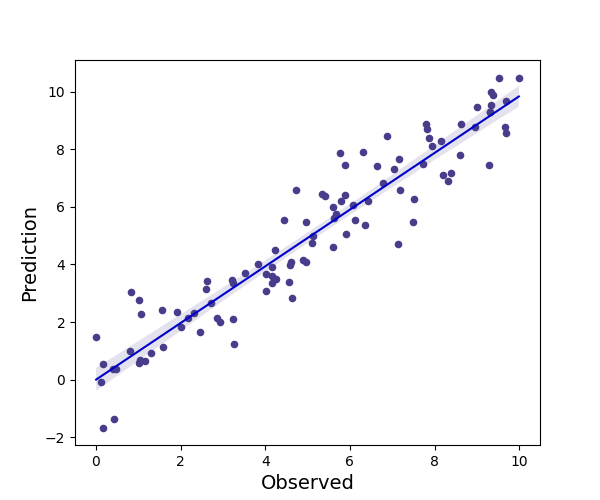
customizing marker style
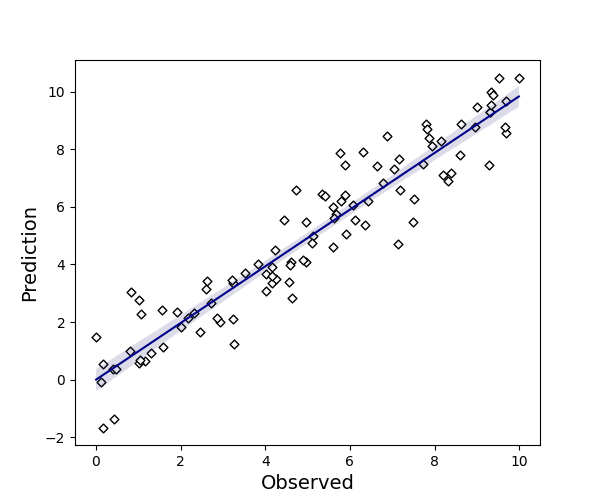
another example by increasing the marker size

customizing line style
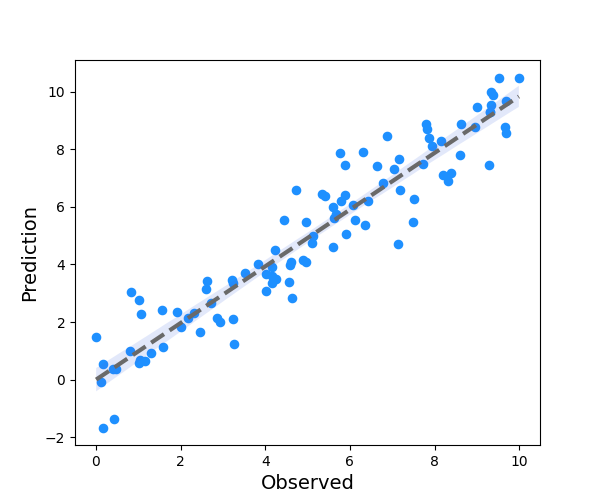
customizing fill color

hiding confidence interval
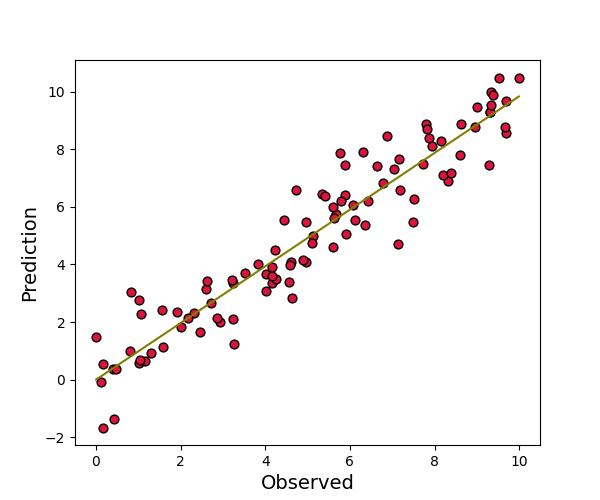
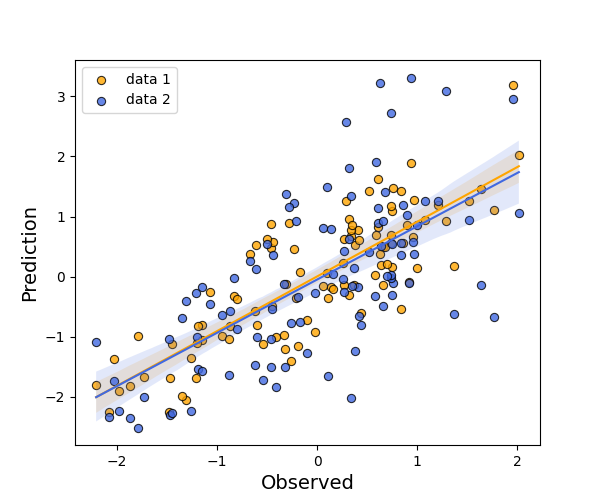
multiple regression lines with customized marker, line and fill style
cov = np.array(
    [[1.0, 0.9, 0.7],
     [0.9, 1.2, 0.8],
     [0.7, 0.8, 1.4]]
)
data = rng.multivariate_normal(np.zeros(3),
                               cov, size=100)

ax = regplot(data[:, 0], data[:, 1], line_color='orange',
             marker_color='orange', marker_size=35, fill_color='orange',
             scatter_kws={'edgecolors':'black', 'linewidth':0.8, 'alpha': 0.8},
             show=False, label="data 1")
_ = regplot(data[:, 0], data[:, 2], line_color='royalblue', ax=ax,
                marker_color='royalblue', marker_size=35, fill_color='royalblue',
             scatter_kws={'edgecolors':'black', 'linewidth':0.8, 'alpha': 0.8},
             show=False, label="data 2", ax_kws=dict(legend_kws=dict(loc=(0.1, 0.8))))
plt.show()
Total running time of the script: (0 minutes 2.711 seconds)
